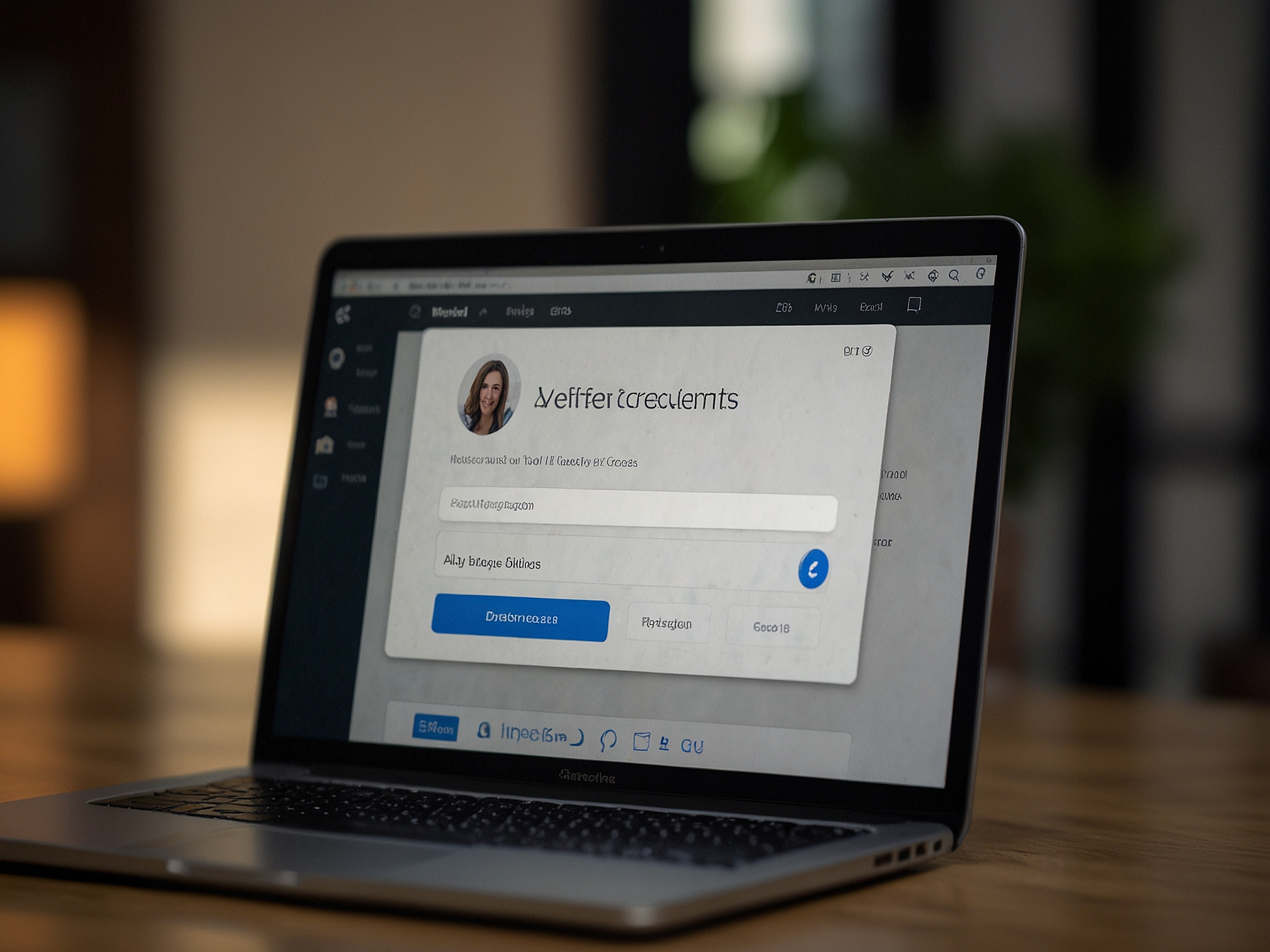
We provide a clear and secure Login flow to protect your account. To access your account, navigate to the Login page and enter the email address or username associated with your account along with your secure password. If you have enabled two-factor authentication (2FA), you will be prompted to enter a verification code sent to your registered device or to input a code from an authenticator app. We recommend using a strong unique password and enabling 2FA to reduce the risk of unauthorized access.
Our login system includes multiple safeguards designed to detect suspicious activity and mitigate automated attacks. If we detect an unusual login attempt from a new device or IP address, additional verification steps may be requested to confirm account ownership. These procedures are in place to protect your funds and personal data, and we will always provide instructions to complete verification securely. In most cases, the login sequence completes in seconds for legitimate users.
We employ encryption for data in transit and at rest to secure account credentials and transaction details. Our systems limit repeated incorrect login attempts and implement CAPTCHAs or temporary lockouts for suspicious behavior. We also support multi-factor authentication to provide an additional security layer beyond passwords. These measures are standard within the industry and are combined with monitoring systems to identify and respond to irregular account activity in real time.
In addition to these technical safeguards, we recommend that users follow best practices such as choosing strong passwords, avoiding public Wi-Fi for sensitive actions, and not sharing credentials. We never ask for your password or full authentication codes through chat or email. If you receive a request that looks like it comes from us but asks for credentials, treat it as suspicious and contact support through the official site channels to confirm the request's legitimacy.
If you cannot log in, follow a clear troubleshooting sequence to restore access. First, verify that caps lock is off and you are entering the correct email or username. If you forgot your password, use the "Forgot Password" function to receive a secure reset link by email. If the reset link does not arrive within several minutes, check your spam folder or ensure the recovery email address is correct. For users who previously registered using social sign-on methods, make sure to use that method rather than attempting a password-based login.
If you are still unable to regain access after a password reset, contact our support team with details such as your registered email, approximate date of account creation and any transaction IDs you can provide. For security reasons, we will ask you to verify identity via one or more confirmations such as a government-issued ID or other documentation depending on the situation and account activity. Our verification team handles such requests with discretion and aims to resolve issues efficiently while safeguarding account security.
We strongly encourage enabling 2FA for enhanced protection. Two-factor authentication adds a second verification step beyond your password, commonly using a time-based code from an authenticator app or a one-time code sent to your registered mobile number. Enabling 2FA significantly reduces the chance of unauthorized access even if a password is compromised. We provide straightforward instructions in your account settings to enable and manage 2FA.
When you enable 2FA, keep backup codes in a secure location and consider registering more than one method (for example an authenticator app and an SMS fallback) when available. If you lose access to your 2FA device, contact support and follow the account recovery process. We take steps to verify identity thoroughly before disabling 2FA to prevent misuse, and we guide you through the process with clear instructions and timelines.
We recommend the following actions to keep your account secure: choose a strong unique password that uses letters, numbers and symbols; enable two-factor authentication; avoid reusing passwords across multiple services; and regularly review your account activity for unfamiliar transactions. Additionally, only use trusted devices for account access and avoid public Wi-Fi when managing funds. These steps reduce risk and improve account resilience against common threats.
If you suspect unauthorized access, change your password immediately and contact support to freeze transactions or request additional verification. We maintain logs to investigate account activity and can assist with the recovery process while protecting sensitive information. We also provide educational resources to help users recognize phishing and social engineering attempts.
Log in and claim our welcome bonus to boost your first sessions on Lemon Casino.

We have defined account recovery procedures to help you regain access securely. Recovery may require identity verification such as submitting a government-issued ID, proof of address, and in some cases transaction records to confirm ownership. Our verification steps are designed to balance user convenience with security, and we handle all documents with strict confidentiality. Once we complete verification, we reinstate account access and advise on improving future account protection.
To initiate recovery, use the official support channels available on the site. Provide as much information as possible about your account and prior activity to accelerate the process. For account closures or suspected fraud, we apply expedited procedures to secure funds and prevent further unauthorized actions. Our support team communicates clearly about required documents and timescales throughout the verification process.
Use the 'Forgot Password' feature to request a secure reset link. If you still cannot reset, contact support with verification details.
Visit Account Settings, choose Security, and follow the instructions to enable 2FA via authenticator app or SMS.
Change your password immediately, enable 2FA if not already enabled, and contact support to review recent activity.
Yes, after a thorough verification process. Contact support and follow the identity verification steps we provide.